AI BJD & Doll Face-Up & Outfit Studio
The AI virtual styling studio built for BJD, MJD, OB11, and fashion dolls. Preview custom face-ups, glass eyes, outfits, and studio lighting while preserving your exact head sculpt.
or drag & drop your doll photo • 1 free credit on sign-in
By uploading, you confirm you own this photo or have permission to use it.
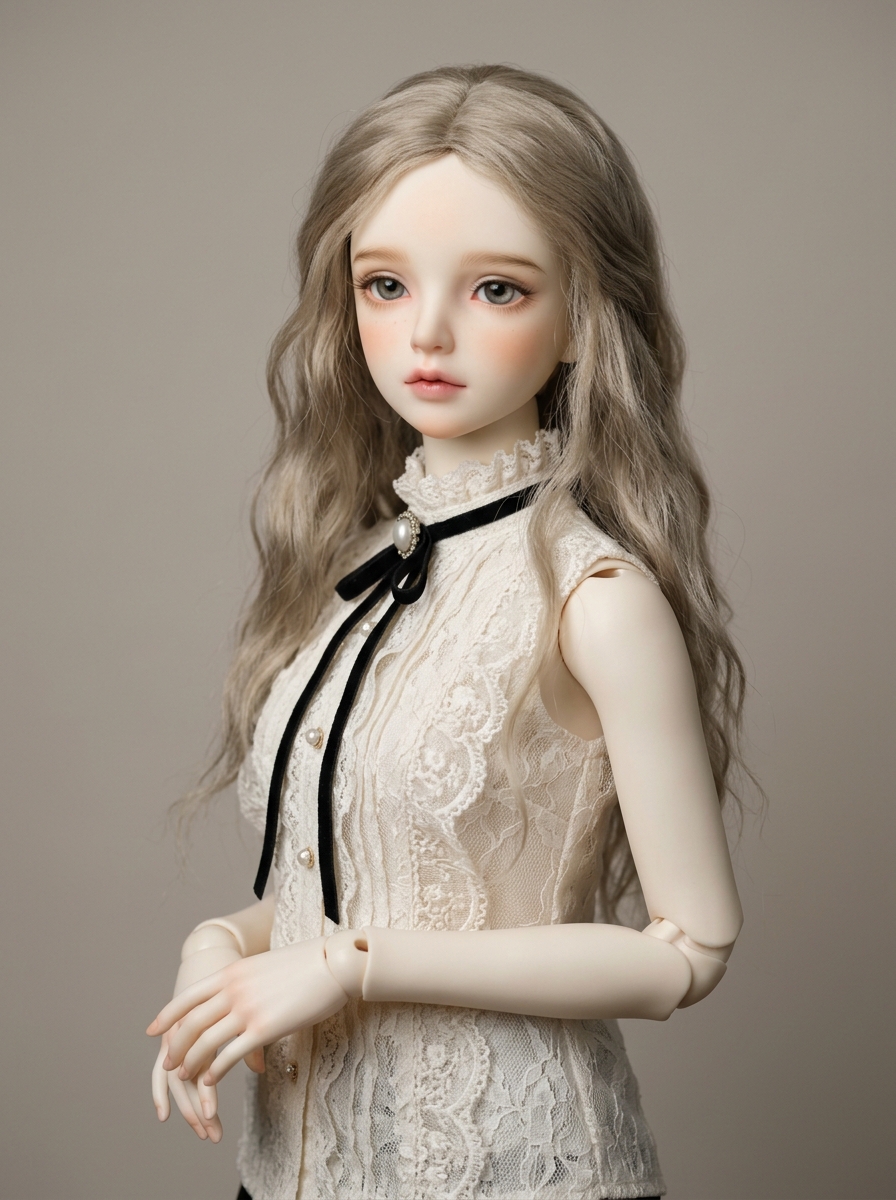
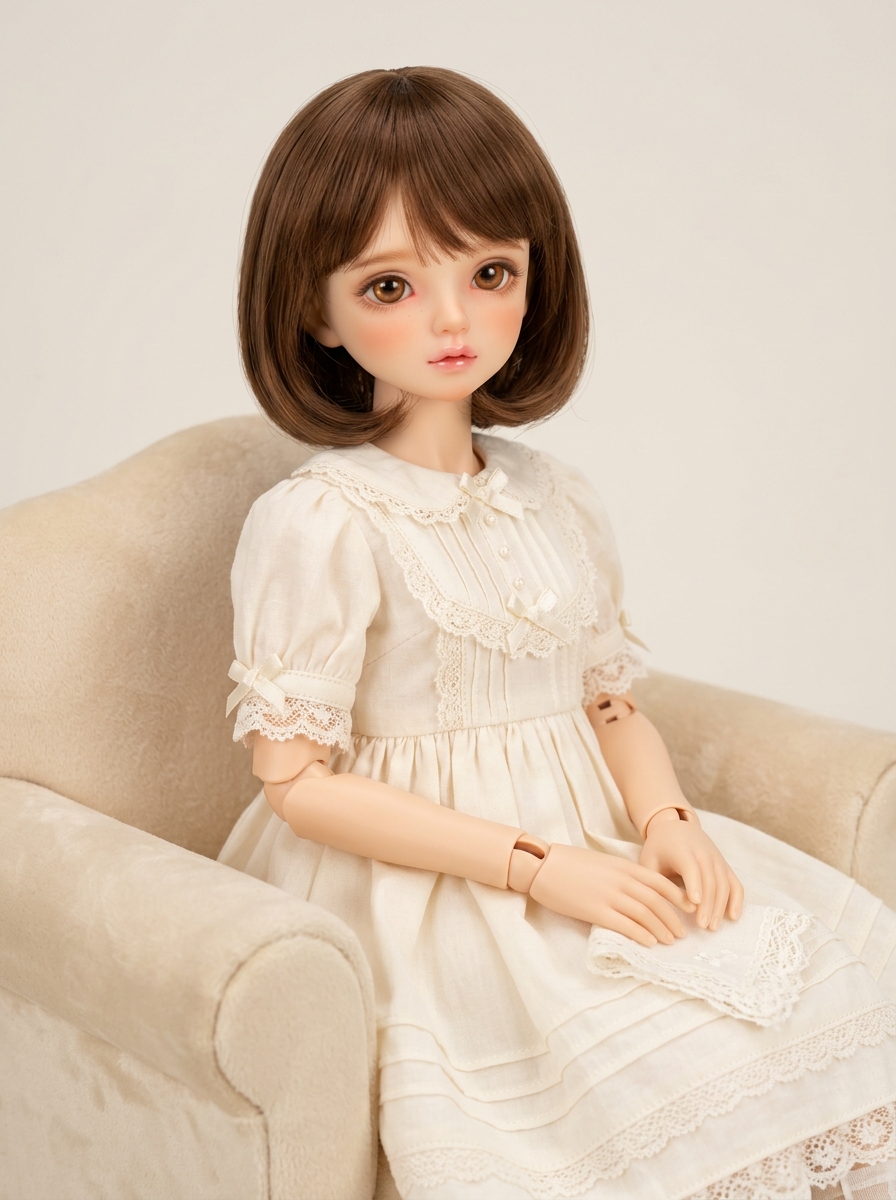
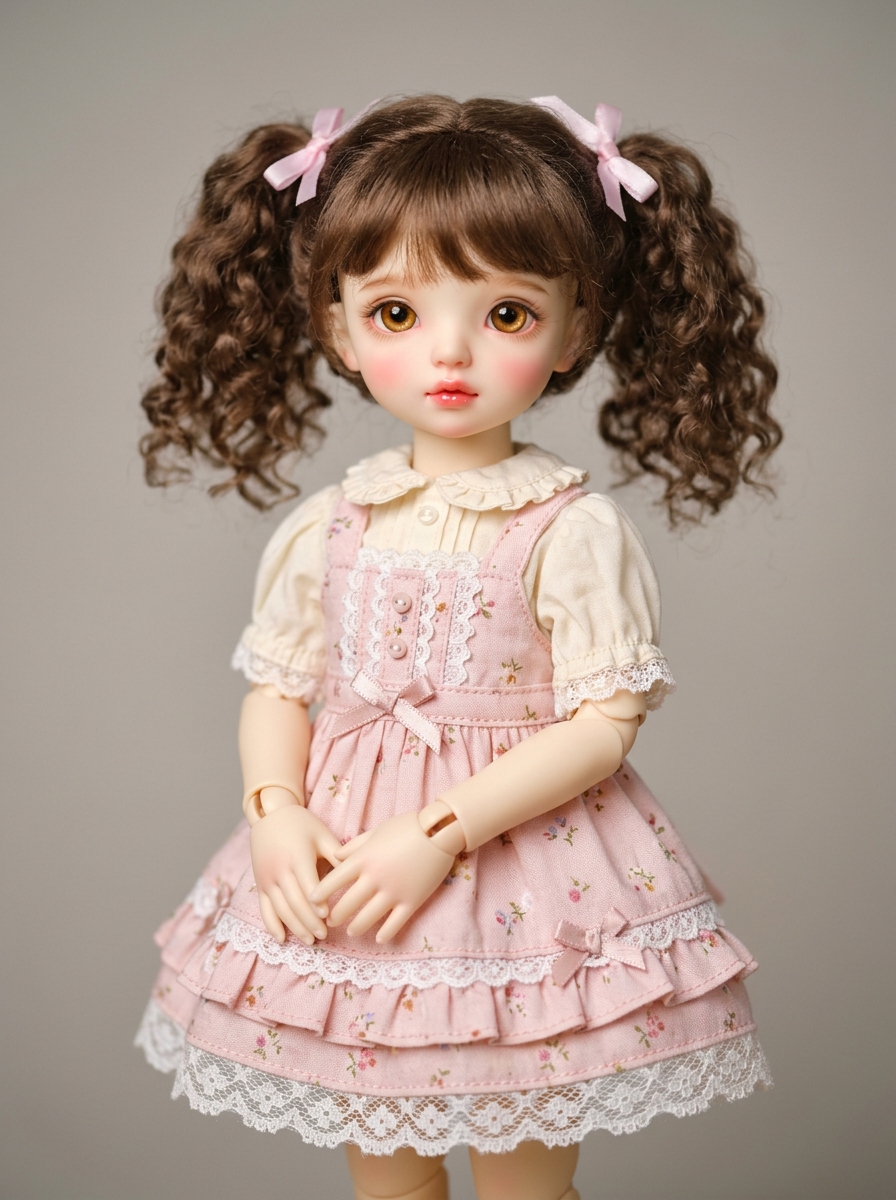
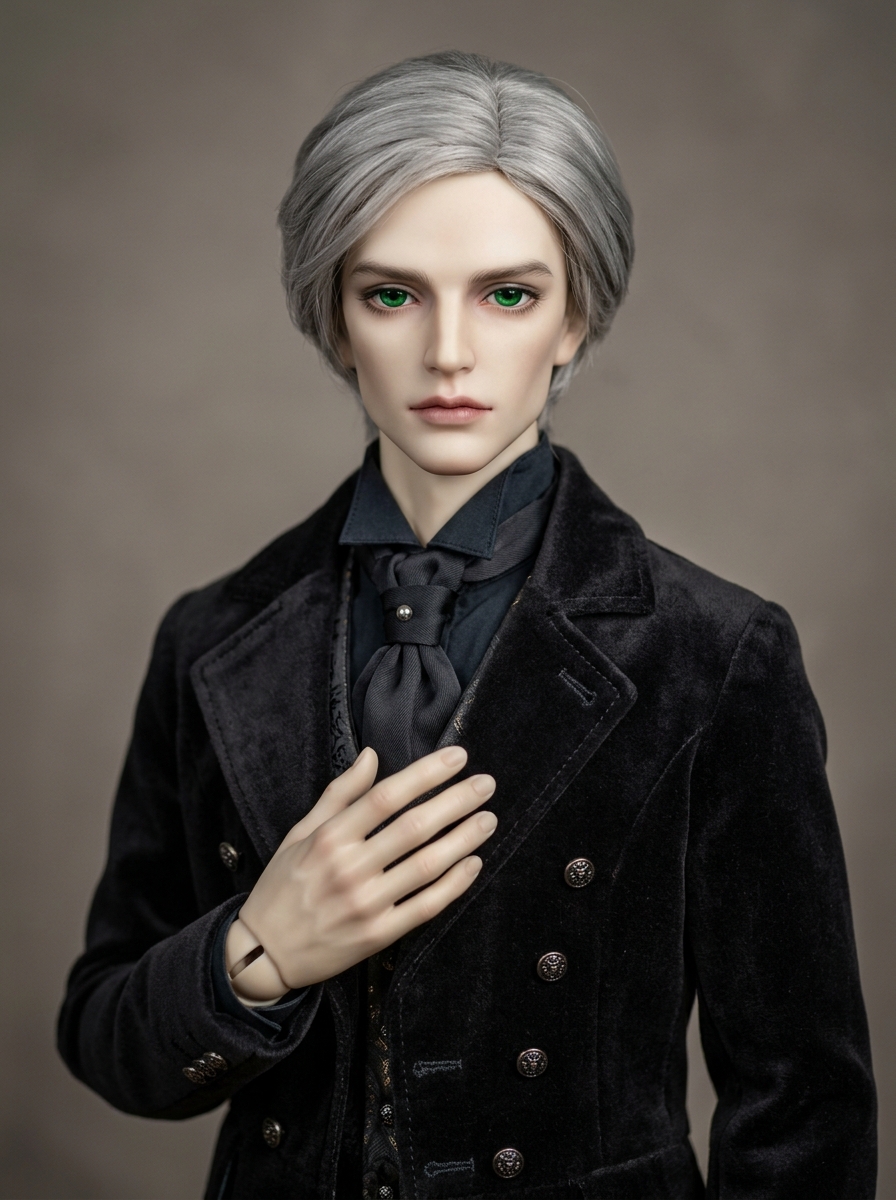
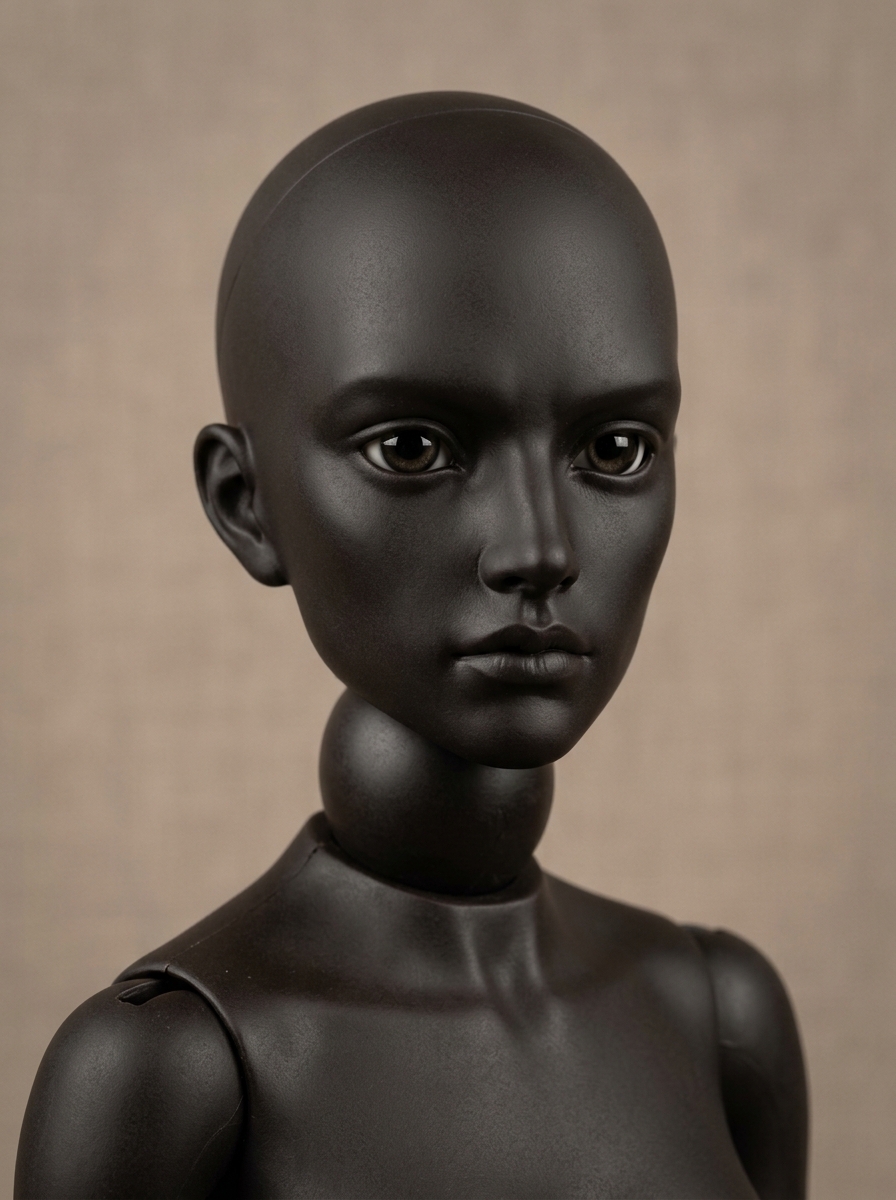
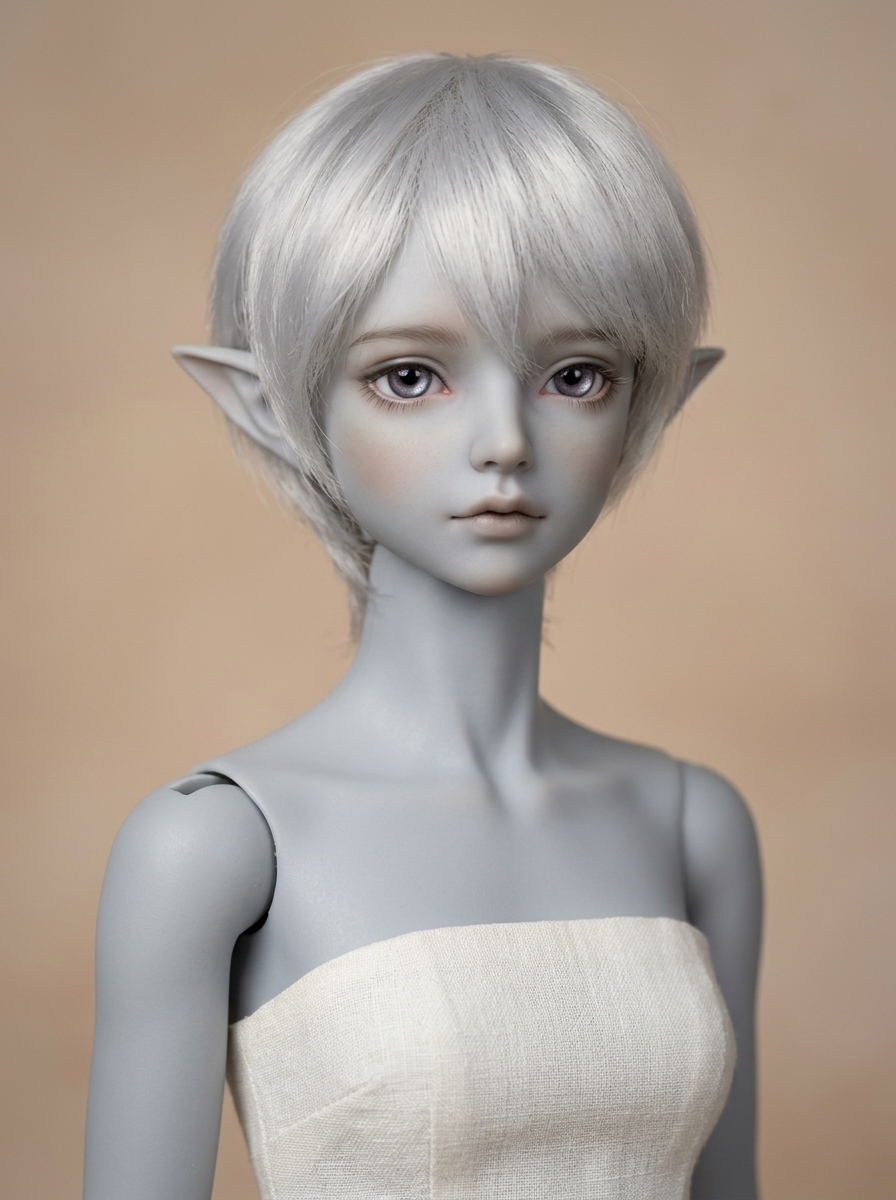
🔒 100% Private. Your doll photos remain private and are never used for public display or AI training.
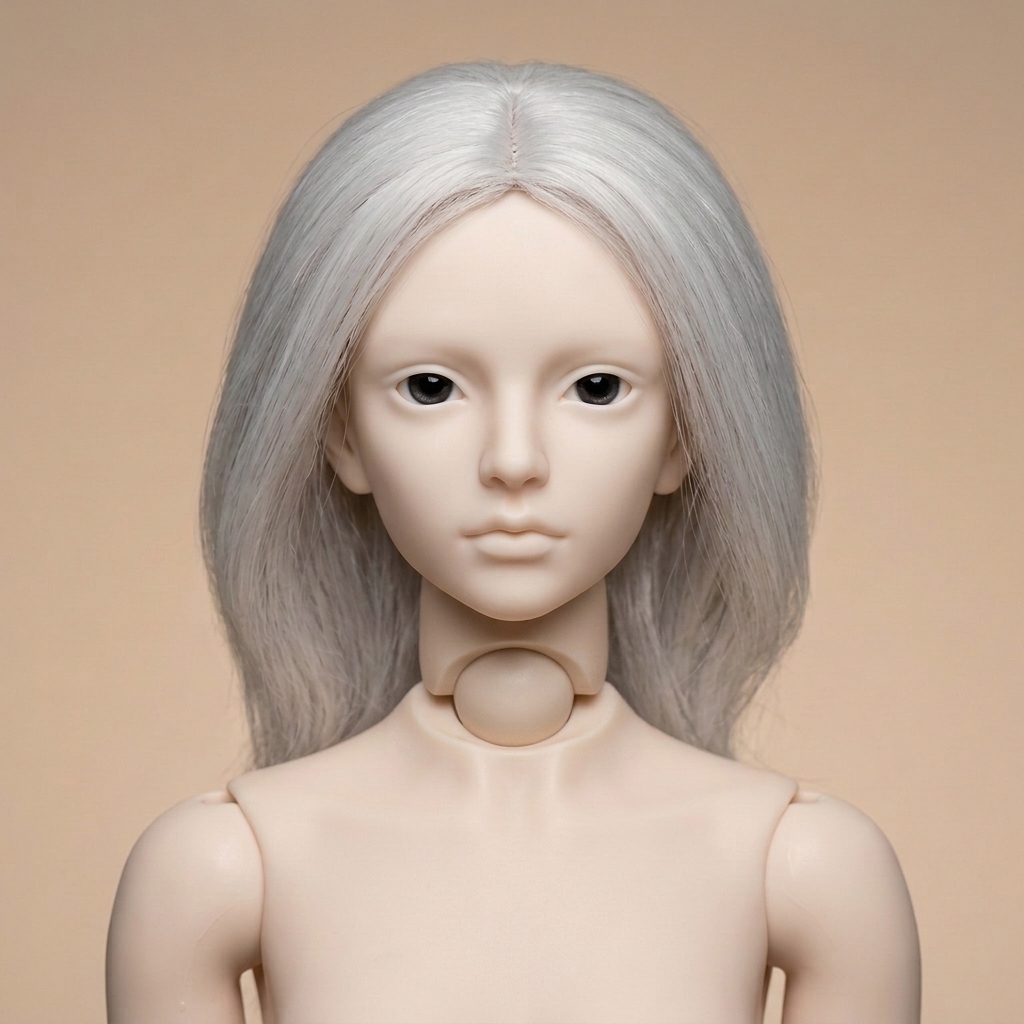
Five BJD Creative Studios, One Seamless Workflow
From blank-sculpt face-ups and body tattoos to outfit try-on, studio lighting, and sewing pattern sheets—preserving your exact head sculpt and matte resin finish.
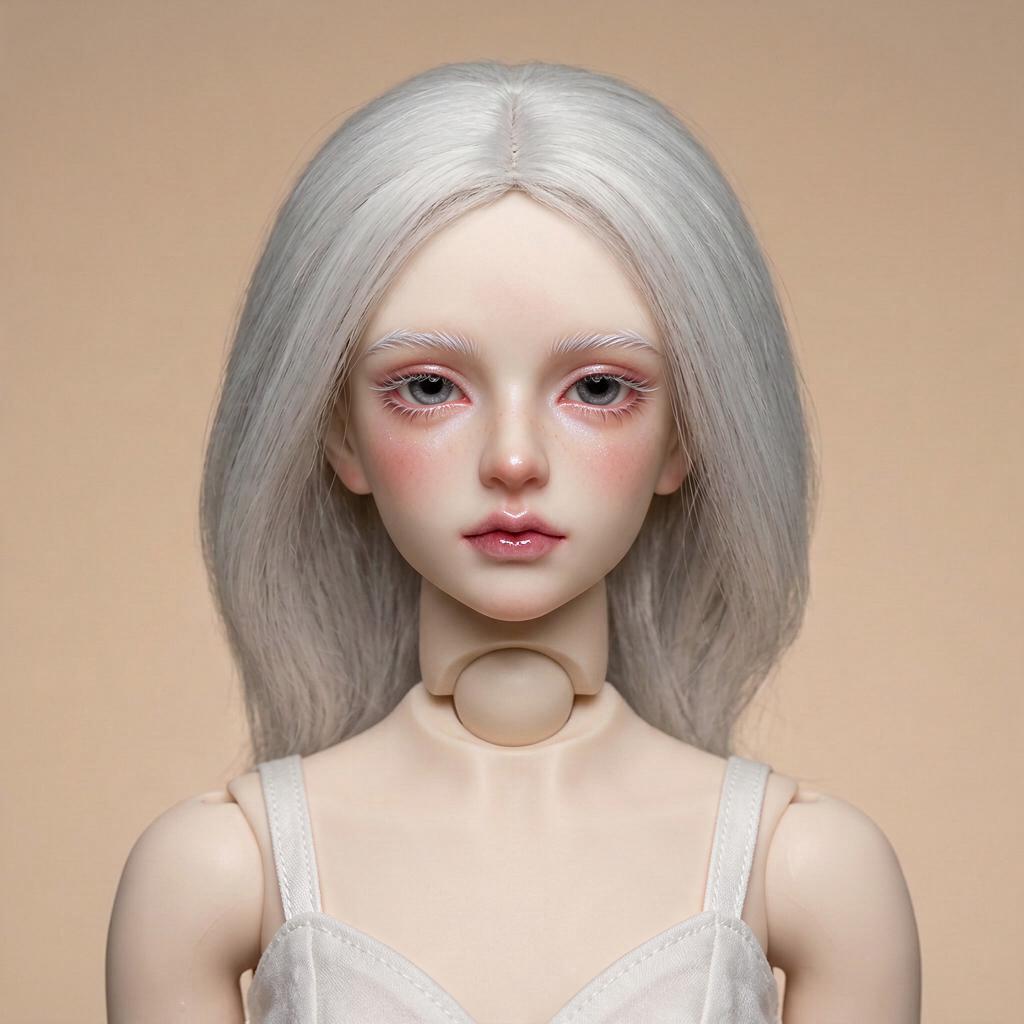
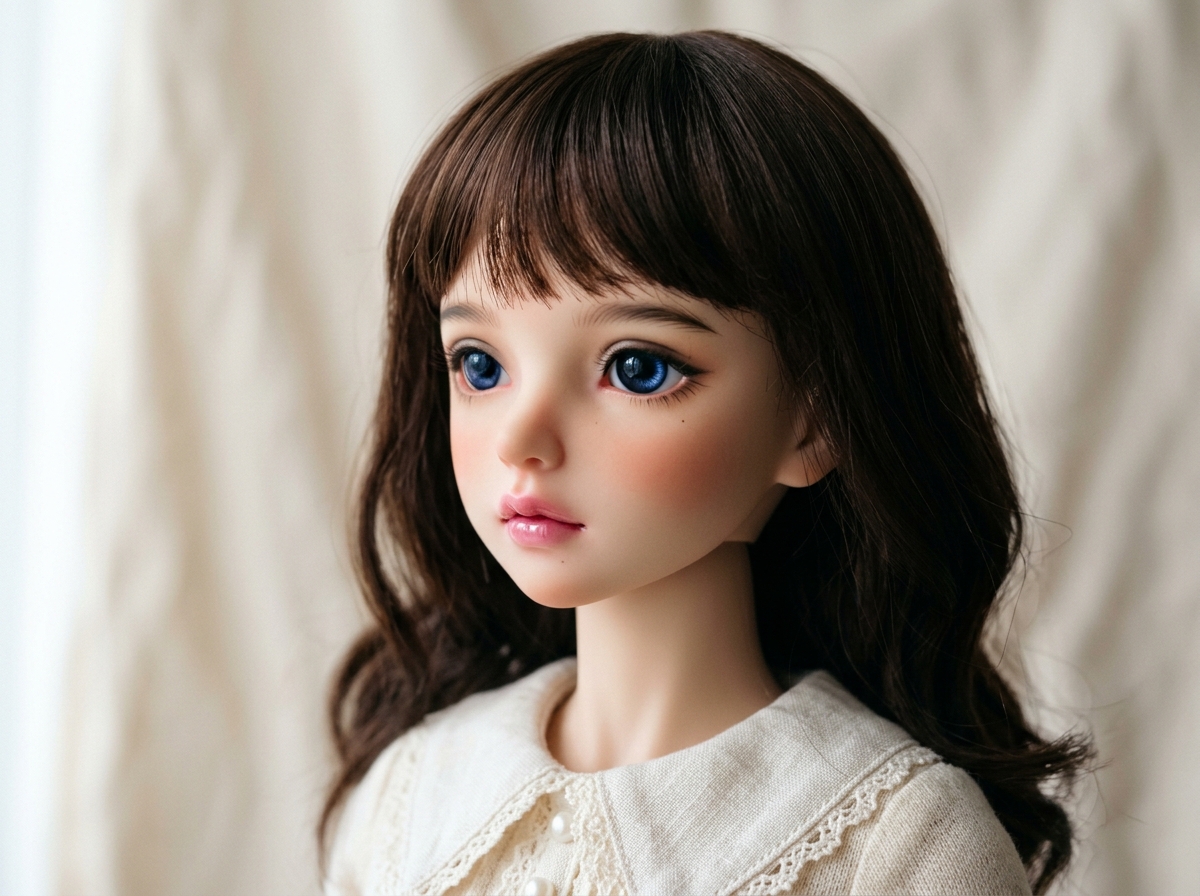 Sculpt-Safe
AI Face-up Studio
8 face-up styles, glass eyes, wig/collar pairing & 14-zone face/body tattoos with local-edit lock
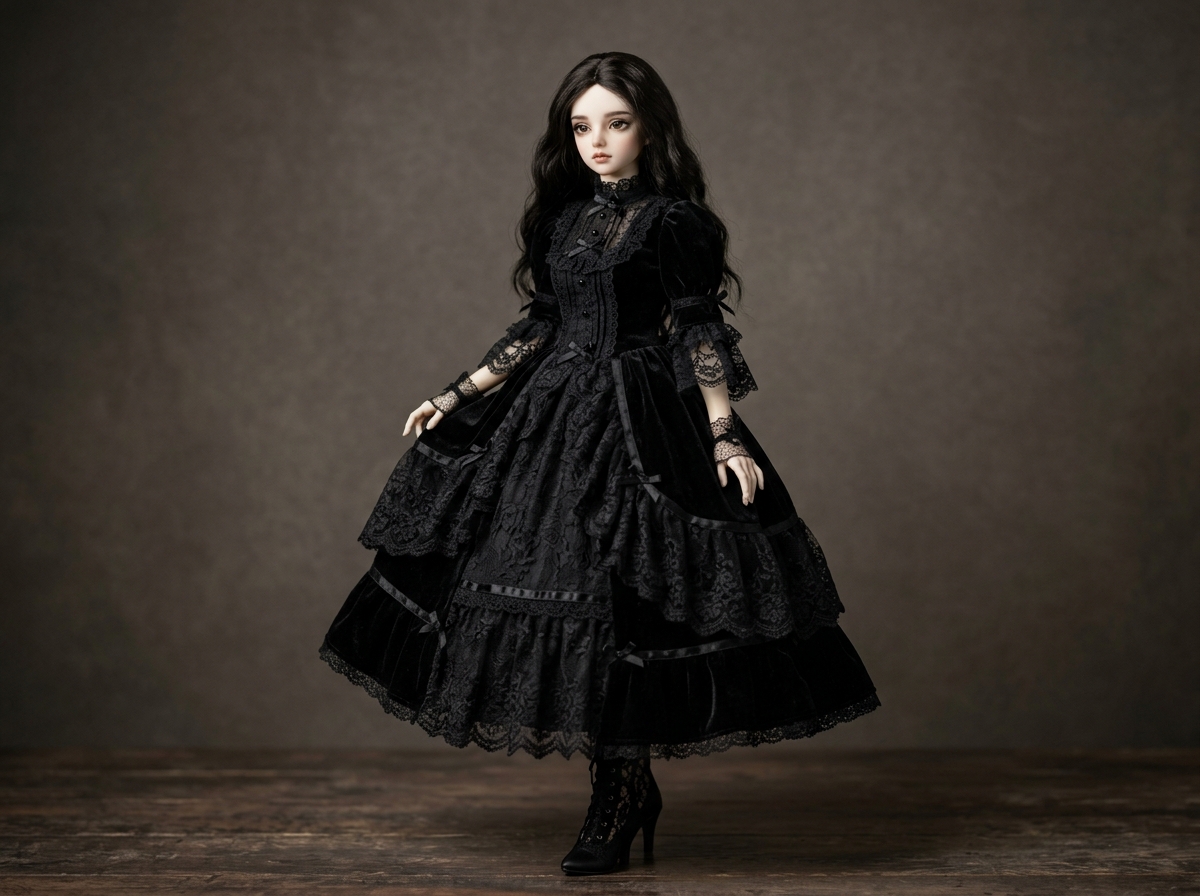 Couture
30 Curated Outfit Styles
Lolita, Hanfu, Kimono & subculture styles with 10-dimension collar, bodice, cuff & fabric couture controls
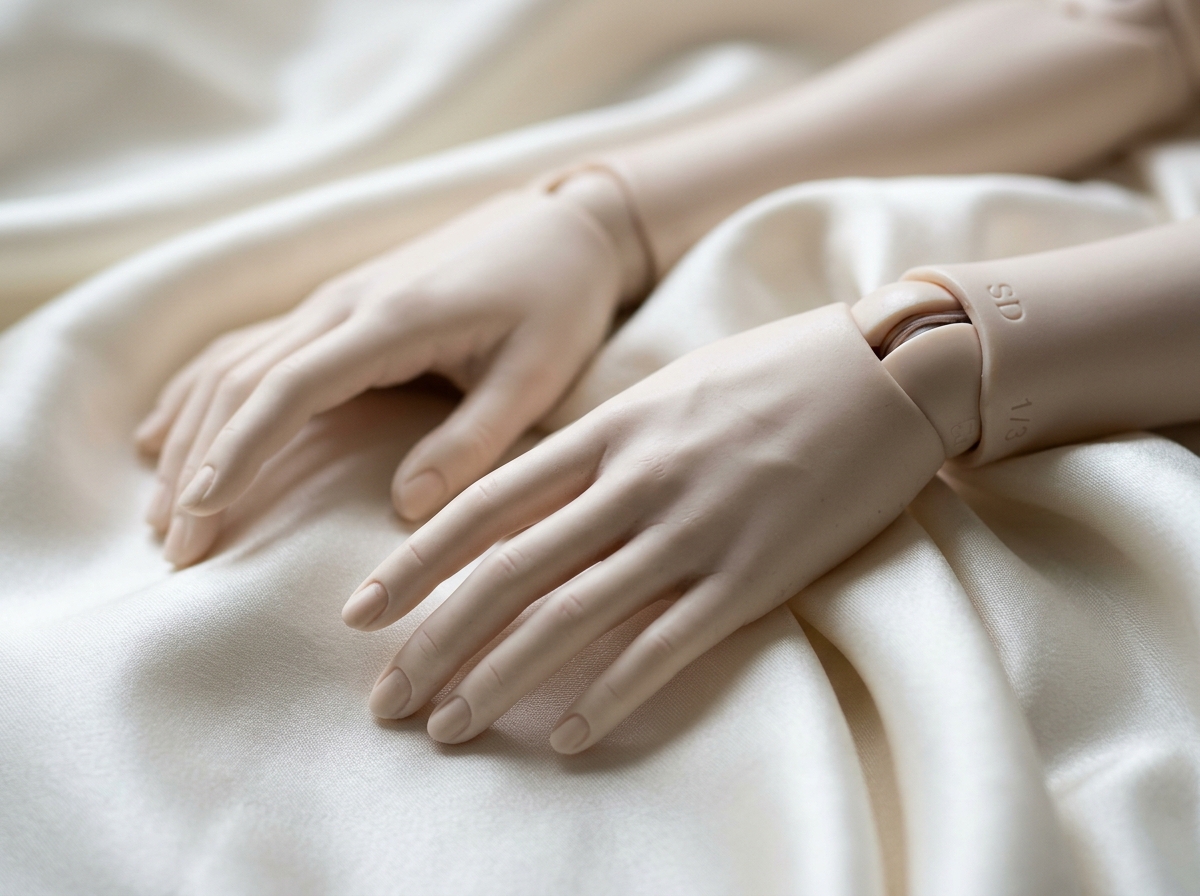 Beta
Reference Outfit Try-On
Upload any shop outfit photo and fit only the garment onto your doll
 Editorial
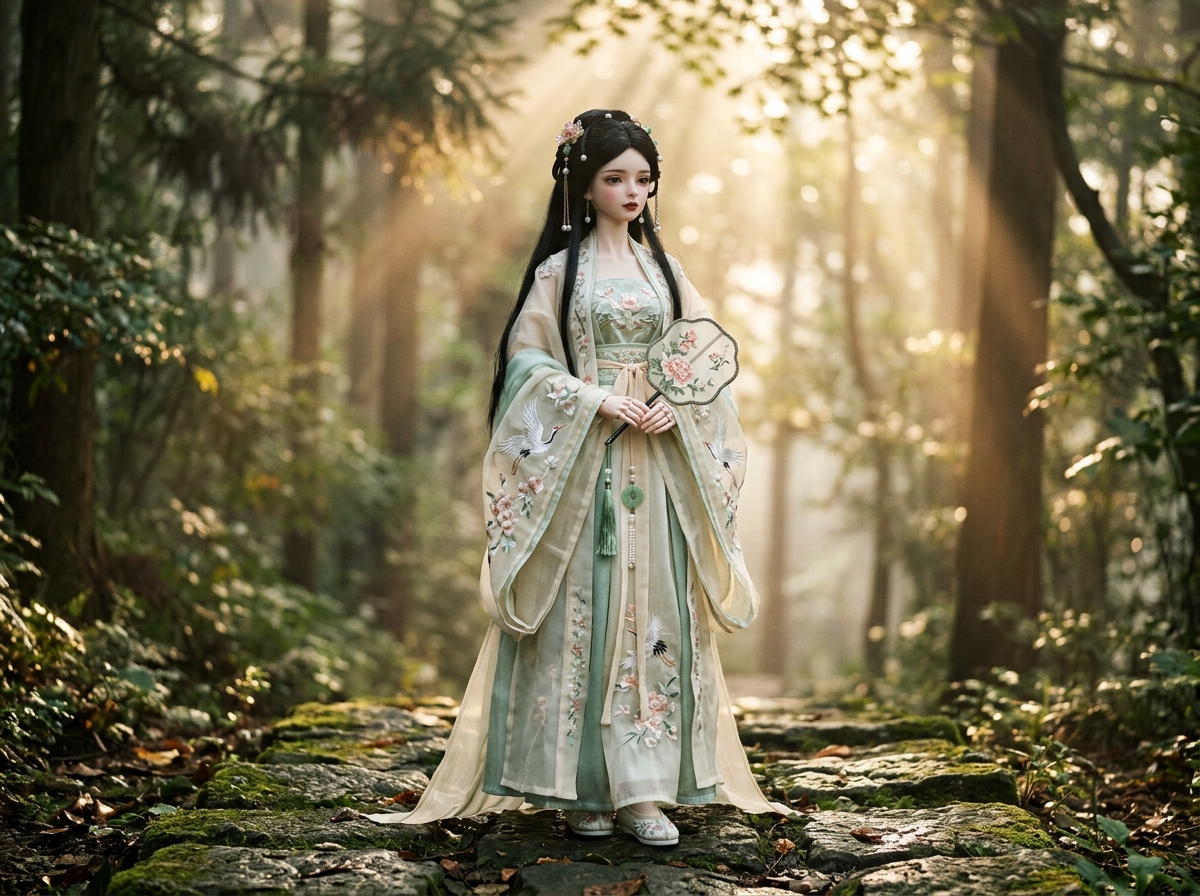
Studio Scene & Lighting
9 studio & outdoor lighting scenes—candlelit castle, misty forest, bamboo pavilion, sakura veranda & cyberpunk neon
 Dual Output · 5⚡
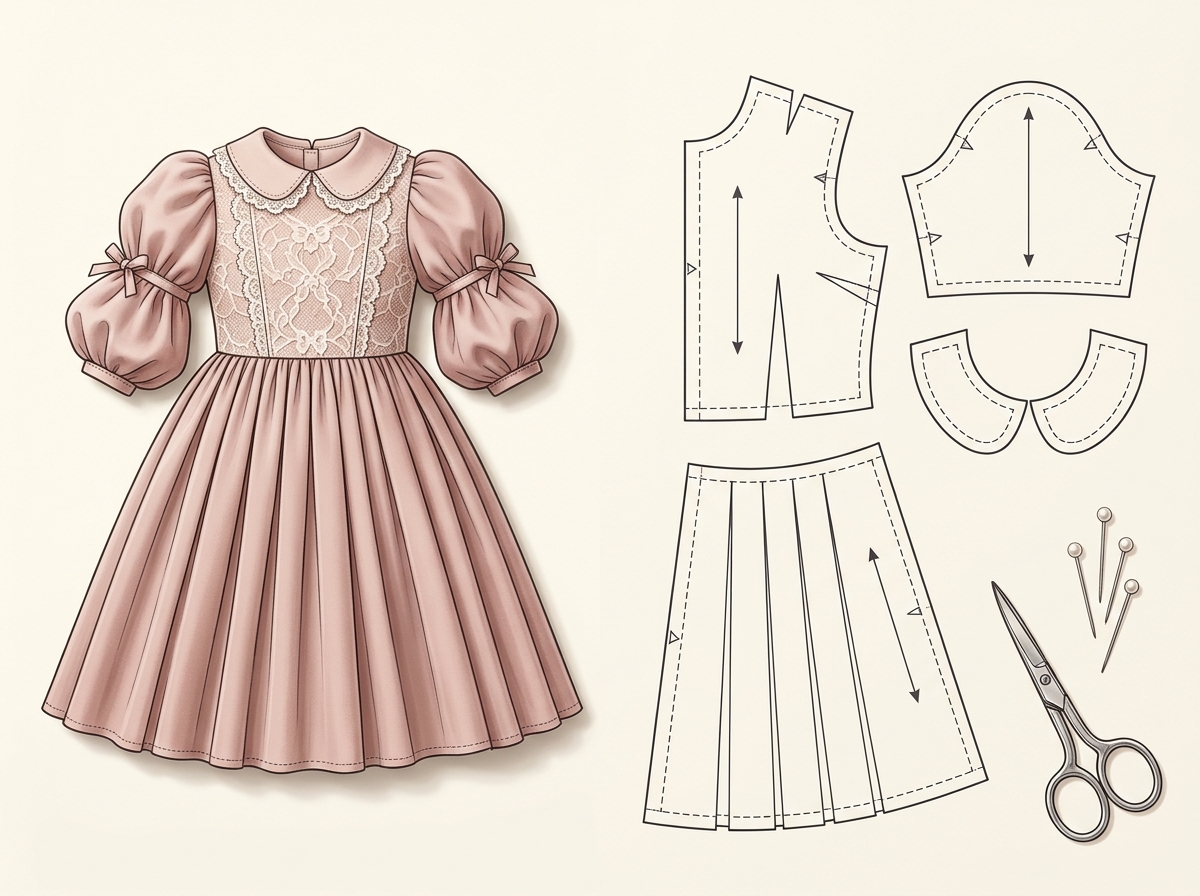
Sewing Pattern & Tech Spec Studio
Turn any doll outfit photo into clean white-background pattern panels + a copyable sewing & fabric tech spec
Preview Custom Face-Ups Before Commissioning
Preview soft Japanese, gothic glam, vintage porcelain, or fantasy elf face-ups on your blank sculpt or painted doll head—without altering your sculpt's proportions or resin texture.
Try On Doll Outfits Before You Buy
Buying doll outfits online shouldn't be a gamble. Upload a shop outfit photo or flat-lay and see how it drapes on your exact 1/3, 1/4, 1/6, or 1/12 doll before ordering.
100% Sculpt & Resin Fidelity
Our BJD-specific prompt engine locks your doll's head sculpt, nose bridge, lip shape, and matte polyurethane resin finish so your doll always looks like your doll—never a real human face.
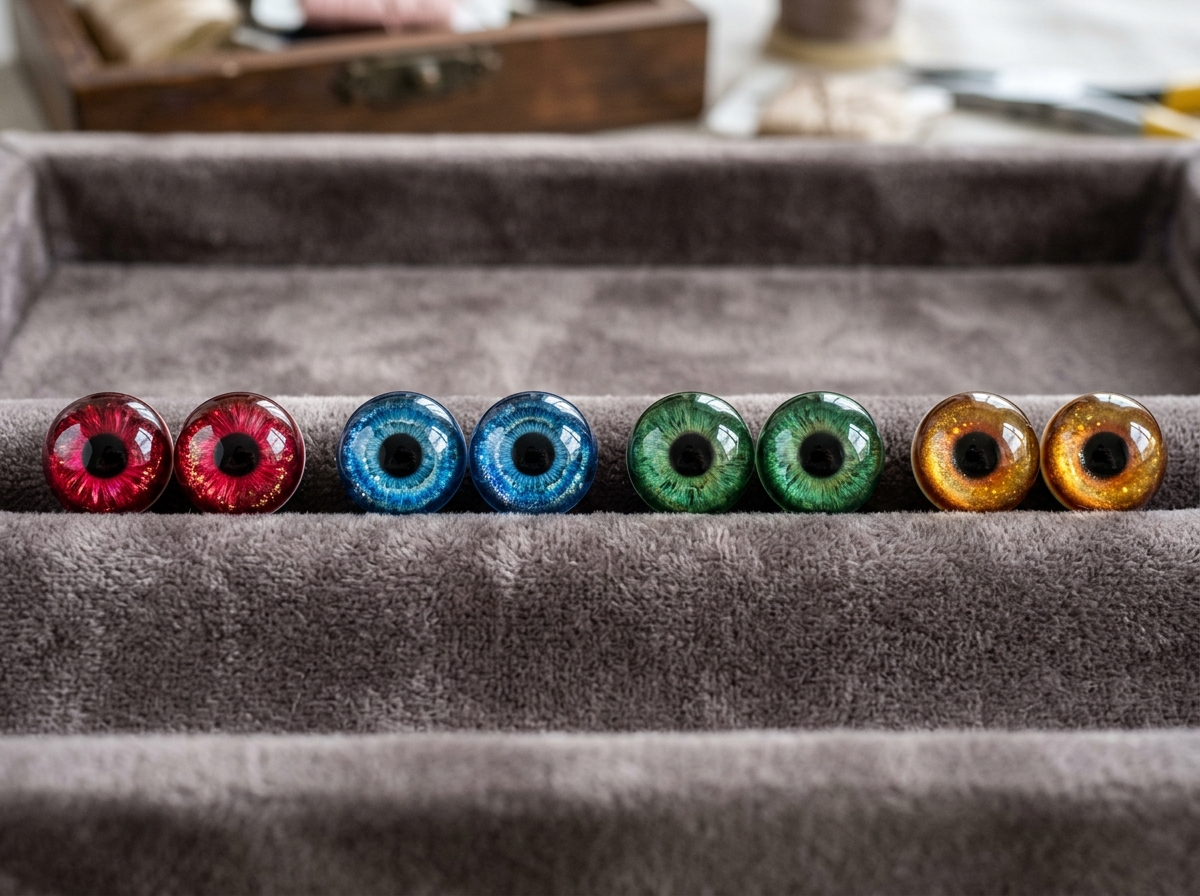
6 Resin Skin Tones, Glass Eyes & 14-Zone Tattoos
Lock Porcelain White, Fair Peach, Normal, Sun-Kissed Tan, Deep Ebony, or Fantasy Gray resin tones, pair heterochromia glass eyes, or layer gothic/elven tattoos across 14 face and body zones.
How GLEEMYA Works
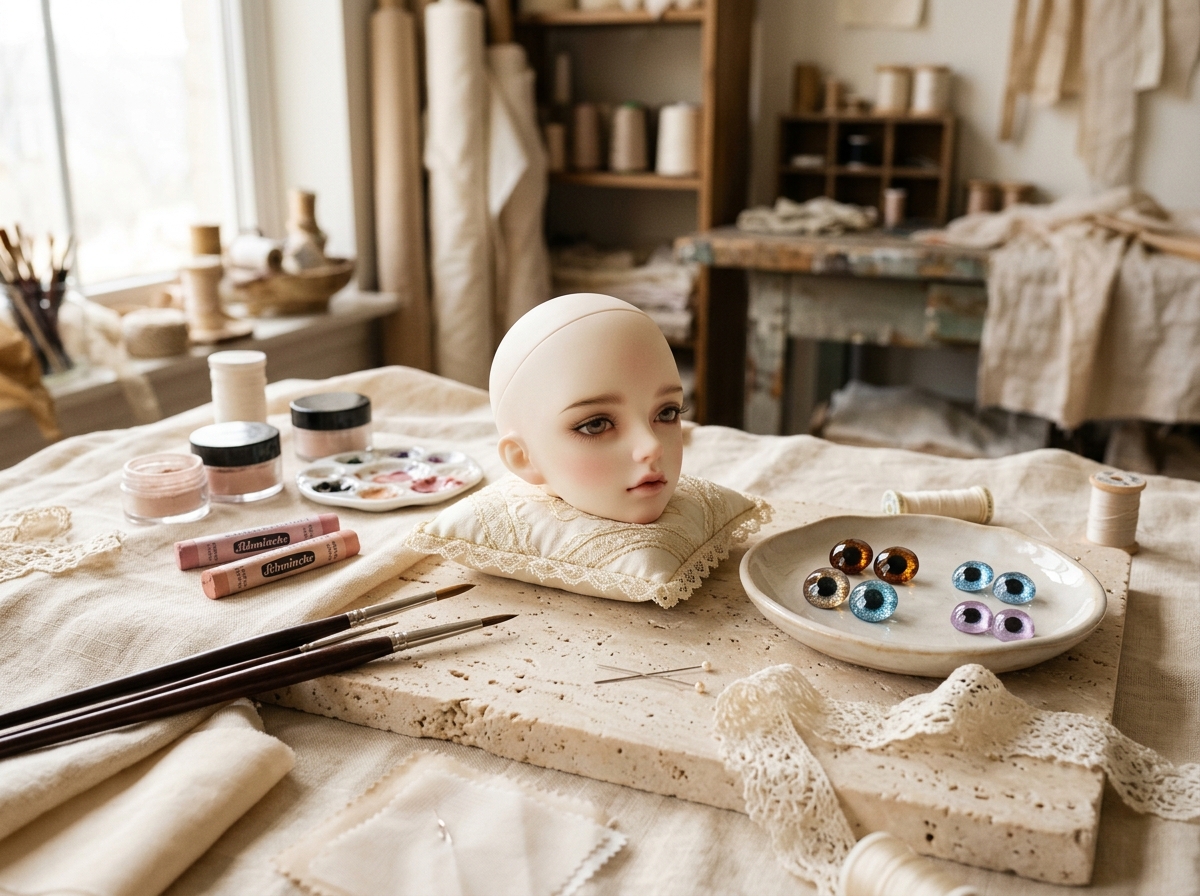
Upload doll photo → Face-up & Tattoos → Try on Outfit → Studio Scene or Pattern Sheet
- 01
Upload Doll Photo
Upload a clear photo of your doll (or pick a built-in sample model to test immediately).
- 02
Pick Mode & Style
Pick from 5 studios (Face-up, Curated Outfit, Reference Outfit, Studio Scene, or Pattern Sheet), lock scale & resin tone, or toggle 'Keep Original' for local edits.
- 03
Preview & Chain Steps
Drag the Before/After slider, open the 4x Zoom loupe (hold Space to flash original), or click the relay buttons to chain into the next mode.
- 04
Save & Share
Continue from face-up to outfit try-on and studio lighting without re-uploading.
👉 Open Doll Studio and preview your doll's next look in seconds.
Start Styling Your BJD Today
Upload a doll photo and preview face-ups, outfits, and scenes in seconds
Frequently Asked Questions
Everything you need to know about AI BJD face-up previews, outfit try-on, sculpt preservation, and privacy.